
New Starter Guide
Welcome to CoreBookings
Everything you need to get your studio live — from first login to taking bookings. Follow the steps below and you'll be up and running in no time.
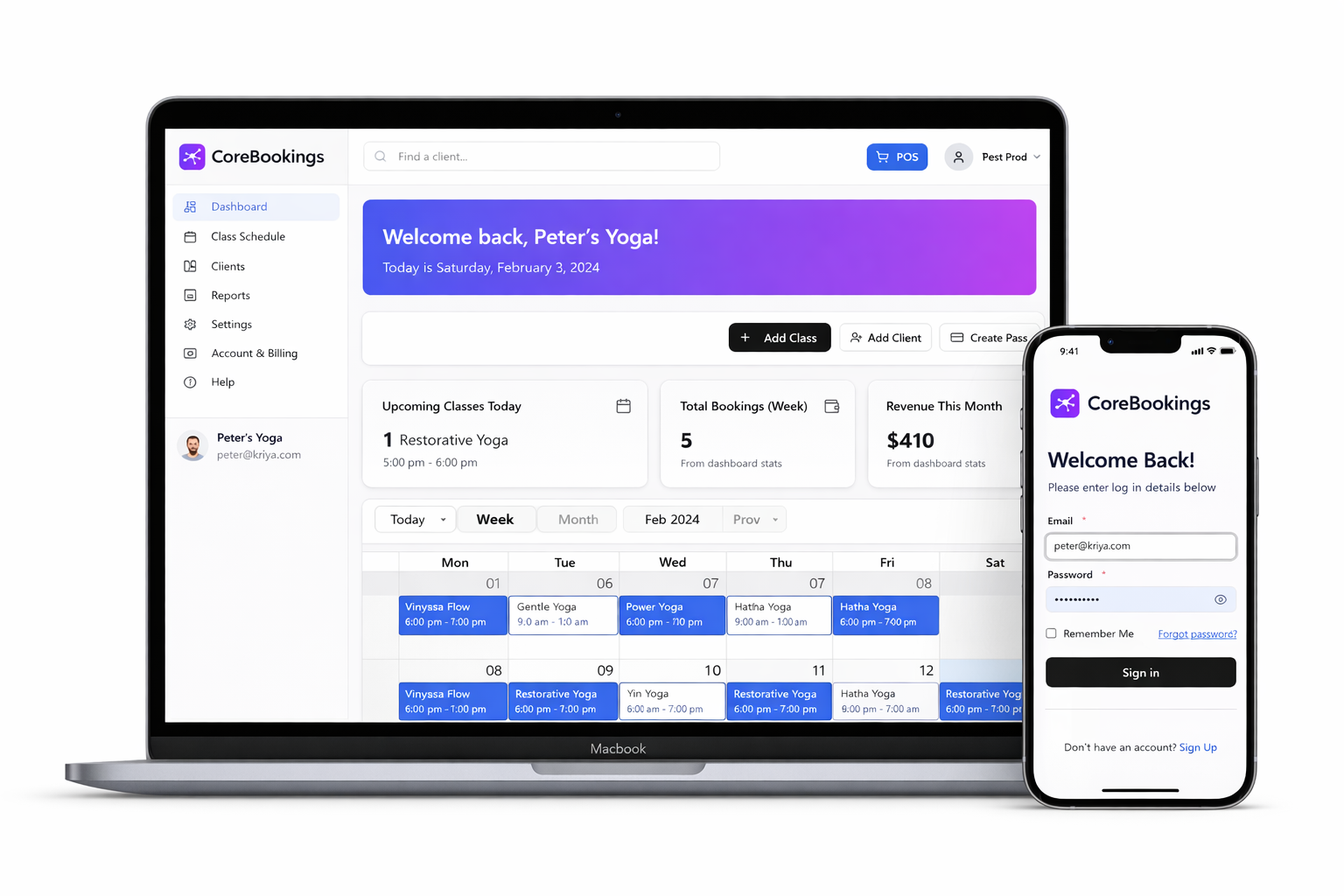
Getting Started
Set Up Your Studio in 5 Steps
CoreBookings is designed to be intuitive. Most studios are live within a day. Follow these steps to get your schedule, passes and clients set up correctly from the start.
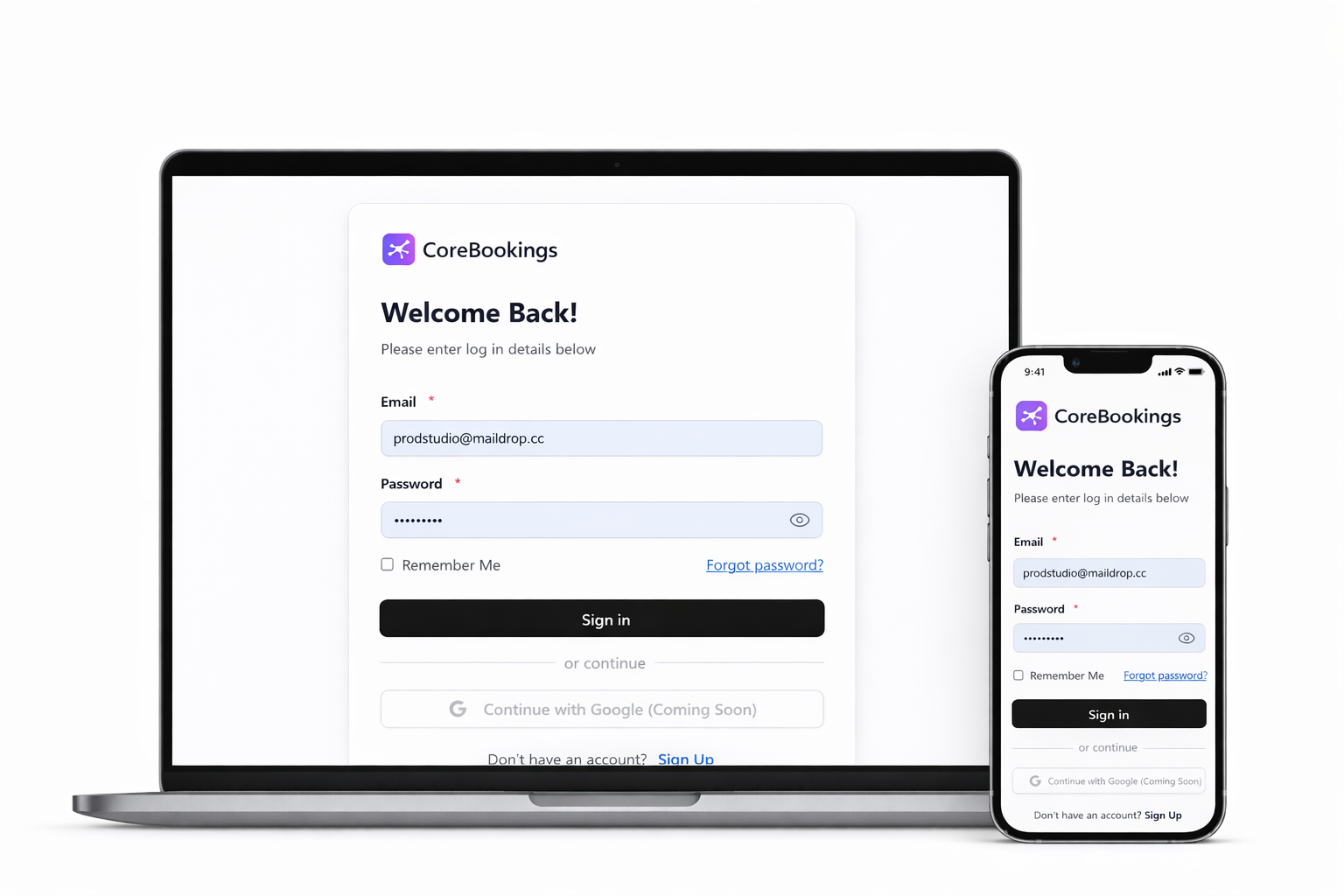
Log in to your Dashboard
Visit kriya.com.au/dashboard and sign in with the email you registered with. Bookmark it for easy access.
Add your rooms & instructors
Under Settings, add the rooms or locations your classes run in, then add your instructors. This is required before you can create classes.
Create your class schedule
Go to Schedule and add your recurring classes. Set the class name, instructor, room, capacity and how far ahead clients can book.
Set up your passes & pricing
Go to Passes to create your pricing plans — casual visits, class packs, unlimited memberships and intro offers. Link each pass to the classes it covers.
Connect Stripe & go live
Head to Settings → Payments and connect your Stripe account to start accepting online payments. Then embed your booking widget on your website or share the direct link.
Import your clients
Use the Import tool to bring in your existing client list via CSV, or add clients one by one. We can also migrate your data from Mindbody — just ask.
Help & Docs
Common Questions from New Starters
Browse the most common how-to articles. Our full Knowledge Base is at /docs/.
Getting started — account setup checklist
Step-by-step checklist to get your account fully configured.
Adding passes and intro offers
How to create class packs, memberships and intro deals.
Setting up Stripe payments
Connect your Stripe account and start accepting card payments.
Adding instructors and teachers
How to add and manage instructors in your account.
Creating rooms and locations
Set up the rooms and spaces where your classes take place.
Modifying a customer's pass
Adjust expiry dates, credits remaining or pass type for a client.
Migrating from Mindbody
How to export clients and bookings from Mindbody and import them.
Setting class capacity
Limit how many students can book into each class.
Need help? We're a real team.
Email us at support@kriya.com.au and we'll get back to you within 24 hours. If something is urgent, write *Urgent* in the subject line and we'll prioritise it.
We can also jump on a quick call to walk you through any part of the setup — just ask.
Contact the team →Ready to take your first booking?
Log in to your dashboard and follow the setup steps above. Most studios are live within a day.
Open Dashboard → Browse Docs